
The ultimate underfloor heating for Home Assistant
Home Assistant underfloor heating control with local zoning, thermostat entities per room, and smart PWM/PI logic. No cloud, no lock-in.
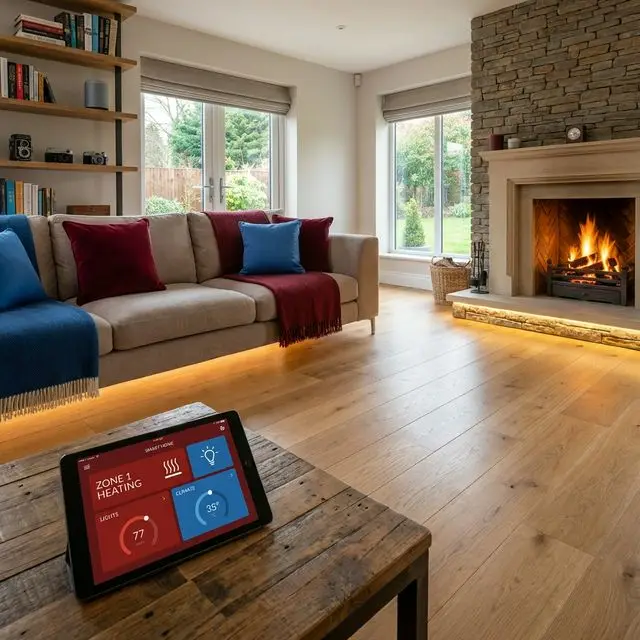
Why most underfloor heating systems are still dumb
You automated your whole home with Home Assistant, but your underfloor heating still behaves like a 1990s analog fossil. That leads to frustration and missed savings.
Vendor Lock-in
Your data is trapped inside a slow vendor cloud app. No local API, no ownership.
Black Box
Your heat pump is a black box. You cannot see why it short-cycles or why COP drops on cold days.
Dumb thermostats
Your thermostats do not talk to lights, presence sensors, or solar. A missed automation opportunity.
No integration
You want to control underfloor heating based on dynamic energy prices or BLE presence, but your system cannot do it.
Inefficient control
Classic zone control throttles your flow, which hurts heat pump efficiency.
No real support
Installers rarely know Home Assistant, and vendors push expensive closed ecosystems.
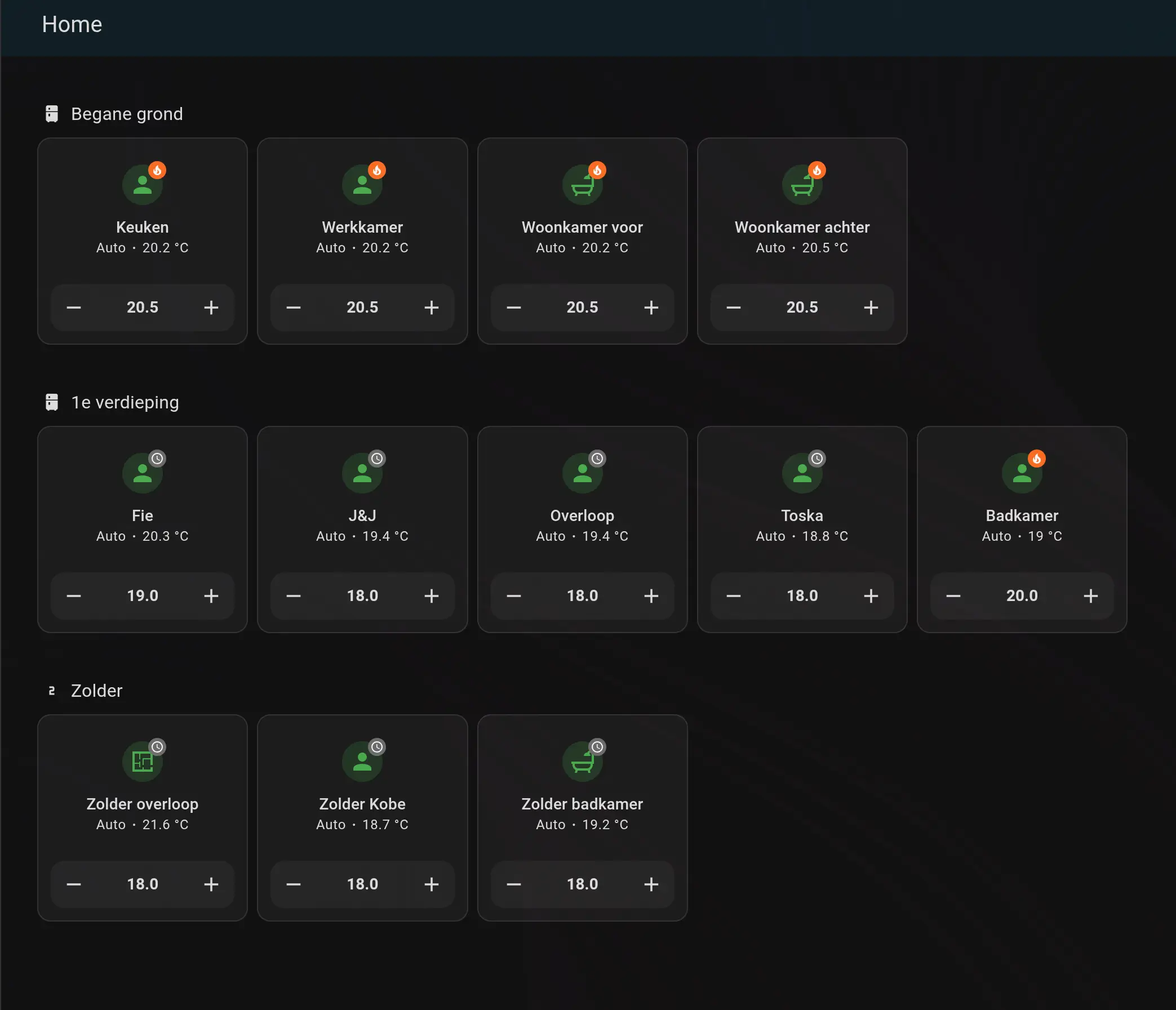
Your underfloor heating dashboard in Home Assistant
Every floor heating zone, every sensor, every valve — live in your own Home Assistant dashboard. Full control over your underfloor heating.
- ✓ Real-time temperature per zone
- ✓ Live PWM duty cycle and valve status
- ✓ Works with Zigbee, Z-Wave, Matter sensors
- ✓ Live heat pump status and calculated flow temperature
Smart underfloor heating control for Home Assistant
Thermozona brings industrial PI control to your underfloor heating in Home Assistant. Fully local, open source and privacy-first.
Home Assistant Native
No cloud dependency, only local entities in Home Assistant. Thermozona runs as a native Home Assistant integration; if needed, you can mirror those entities to your heat pump via MQTT, Modbus or KNX.
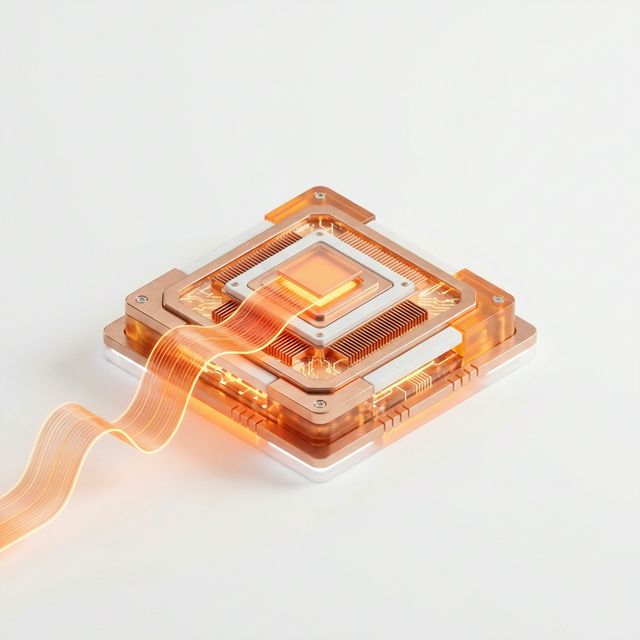
Per-zone PWM control
No more just on or off. Thermozona calculates the ideal duty cycle for each room based on real-time heat demand.
Self-learning PI controller
The controller anticipates the thermal mass of your floor. No overshoot, just stable tracking of your target temperature.
Save with dynamic tariffs
Coming soonComing soon: dynamic tariff control. Thermozona lowers demand when prices are high and pre-heats when prices are low.
Zone entities
Every room becomes its own `climate` entity in Home Assistant. Enable or disable zones, adjust setpoints and review history.
Heating and cooling
Thermozona switches automatically between heating and cooling based on outdoor temperature and your settings. Ideal for reversible heat pumps.
Open source underfloor heating, 100% local
No cloud, no subscription, no vendor lock-in. Your heating data stays in your Home Assistant.

Home Assistant underfloor heating, built to run local
Thermozona is not a separate app island. It turns each room into a controllable Home Assistant floor heating zone with practical automations.
- 🏠
What is Home Assistant?
The most popular open-source platform for home automation. It connects all your smart devices (lights, sensors, heating) in one local system.
- 🔒
100% Local and Private
No third-party cloud. Your data stays in your home. Thermozona runs fully local on your own server.
- 🤖
Smart Automation
Use your existing window sensors to pause heating, or preheat the floor when you are almost home. Everything works together.
Home Assistant underfloor heating in practice: Detached house in Utrecht
Measured results after 3 months of zoned floor heating control with Thermozona
Living room temperature profile (setpoint: 21degC)
Underfloor heating results from real homes
Measured across 12 households with Home Assistant underfloor heating over 6 months
“My home office was always cold in the morning. With Thermozona it is now exactly 19 degrees when I start.”
Corner house, Vaillant aroTHERM plus
Read on HA Community →“Heat pump short-cycling was a major concern. Thanks to PWM tuning it now runs in long, calm cycles.”
Semi-detached, Daikin Altherma
Read on HA Community →“Within one week after installation my COP improved from 2.9 to 3.8. Automatic zone control makes a huge difference.”
Terraced house, NIBE S1155
Read on HA Community →Hardware for Home Assistant underfloor heating
No expensive proprietary hardware. A simple ESP32 and standard components are all you need. Flashable via ESPHome.
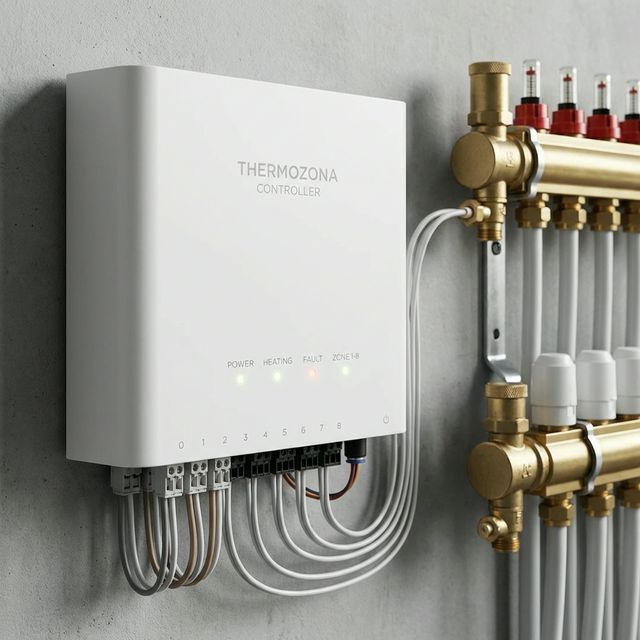
Reference setup: ESP32 controller at the manifold
- Thermozona Controller BoxControls your actuators at the manifold and connects with Home Assistant. Estimated cost: ~$149 each.
- Thermal ActuatorsThe "motors" on your manifold. Choose 24V or 230V (NC/NO). Estimated cost: ~$25 each.
- Temperature SensorsPlace one in each room. Zigbee or Matter. Estimated cost: ~$39 each.
💡 Tip: Already using Zigbee, Matter, or Bluetooth sensors in Home Assistant? You do not need to buy new ones; Thermozona works with sensors you already have.
View Thermozona on GitHub
Installation, configuration, and development are open in the repository. Grab the code, follow updates, or open an issue.
Home Assistant underfloor heating FAQ
In three steps: install Home Assistant, install Thermozona via HACS, and assign one temperature sensor plus one valve output per room. Most users can run their first zones within an hour.
Yes. Thermozona is built specifically as a Home Assistant integration and uses Home Assistant entities, automations, and dashboards.
Usually yes. If your heat pump can be controlled from Home Assistant (for example via Modbus, API, cloud integration, or relays), Thermozona can orchestrate zone demand around it.
You need one room temperature sensor per zone and valve control outputs at the manifold. Thermozona supports common Home Assistant sensor ecosystems such as Zigbee, Matter, and wired setups.
No. Thermozona supports advanced zone control with PWM/PI logic, which improves temperature stability and can reduce inefficient short cycling compared with basic on/off control.
Yes, if your heat pump supports reversible operation. Thermozona can switch between heating and cooling based on your setup and seasonal conditions.
Not yet as a built-in feature. Dynamic tariff support is coming soon. Until then, you can use Home Assistant energy-price integrations and automations for a similar setup.
Yes. Thermozona is designed for local operation in Home Assistant. You keep control over your data and are not forced into a vendor cloud subscription.
Yes. Thermozona is open source and designed for self-installation with the documentation, example configurations, and community help.
You can ask questions in GitHub Discussions and the Home Assistant community. Share your configuration, logs, and hardware context so others can help effectively.